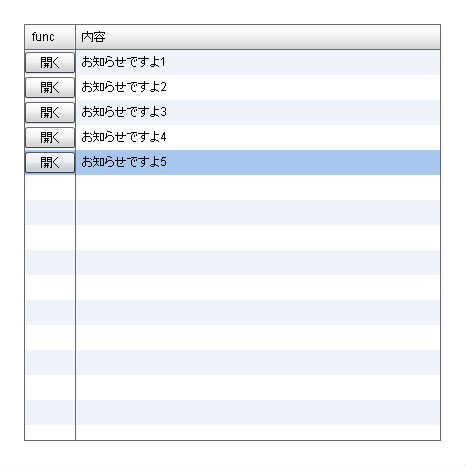
itemRendererにイベントを設定
♥2 |
Line 31 |
Modified 2010-09-28 19:25:39 |
MIT License
archived:2017-03-05 02:38:32
ActionScript3 source code
/**
 * Copyright _wonder ( http://wonderfl.net/user/_wonder )
 * MIT License ( http://www.opensource.org/licenses/mit-license.php )
 * Downloaded from: http://wonderfl.net/c/vUYv
 */

<?xml version="1.0" encoding="utf-8"?>
<mx:Application xmlns:mx="http://www.adobe.com/2006/mxml" pageTitle="ブロックDB" styleName="plain">
    <mx:Script>
        <![CDATA[
        import mx.controls.Alert;
        import flash.events.MouseEvent;

        public function showMessege(e:MouseEvent):void {
            Alert.show("hello!");
        }

        ]]>
    </mx:Script>

    <mx:DataGrid width="100%" height="100%">
        <mx:ArrayCollection>
            <mx:Object func="開く" contents="お知らせですよ1" />
            <mx:Object func="開く" contents="お知らせですよ2" />
            <mx:Object func="開く" contents="お知らせですよ3" />
            <mx:Object func="開く" contents="お知らせですよ4" />
            <mx:Object func="開く" contents="お知らせですよ5" />
        </mx:ArrayCollection>
        <mx:columns>
            <mx:DataGridColumn dataField="func" width="50">
                <mx:itemRenderer>
                    <mx:Component>
                        <mx:Button label="{data.func}" click="outerDocument.showMessege( event )" />
                    </mx:Component>
                </mx:itemRenderer>
            </mx:DataGridColumn>
            <mx:DataGridColumn dataField="contents" headerText="内容" />
        </mx:columns>
    </mx:DataGrid>
</mx:Application>