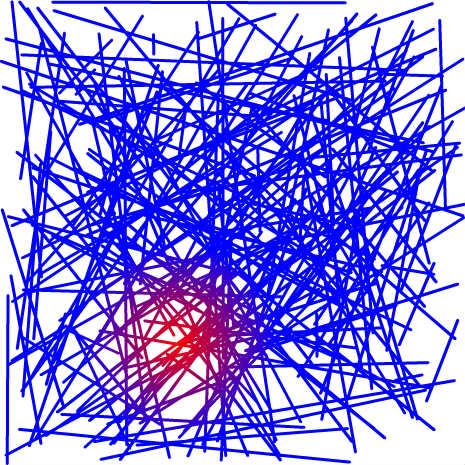
Gradient Lines
An example/test how gradient box works.

Move the mouse around to change the center of the gradient.
♥0 |
Line 37 |
Modified 2014-09-09 23:53:56 |
MIT License
archived:2017-03-20 02:18:40
ActionScript3 source code
/**
 * Copyright milchreis ( http://wonderfl.net/user/milchreis )
 * MIT License ( http://www.opensource.org/licenses/mit-license.php )
 * Downloaded from: http://wonderfl.net/c/tTOk
 */

package
{
    import flash.geom.Point;
    import flash.events.MouseEvent;
    import flash.geom.Matrix;
    import flash.display.GradientType;
    import flash.display.Sprite;

    public class FlashTest extends Sprite
    {
        private static const LENGTH:uint = 200;

        private var _froms:Array = [], _tos:Array = [];
        public function FlashTest()
        {

            for (var i:uint = 0; i < LENGTH; ++i)
            {
                _froms.push(new Point(Math.random() * stage.stageWidth, Math.random() * stage.stageHeight));
                _tos.push(new Point(Math.random() * stage.stageWidth, Math.random() * stage.stageHeight));
            }

            onMove();

            stage.addEventListener(MouseEvent.MOUSE_MOVE, onMove);
        }

        private function onMove(e:MouseEvent = null):void
        {
            var mat:Matrix = new Matrix();
            var width:Number = 200;
            mat.createGradientBox(width, width, 0, mouseX - width/2, mouseY - width/2);

            graphics.clear();
            graphics.lineStyle(3);
            graphics.lineGradientStyle(GradientType.RADIAL, [0xff0000, 0x0000ff], [1, 1], [0, 255], mat);

            for (var i:uint = 0; i < LENGTH; ++i)
            {
                graphics.moveTo(_froms[i].x, _froms[i].y);
                graphics.lineTo(_tos[i].x, _tos[i].y);
            }
        }
    }
}