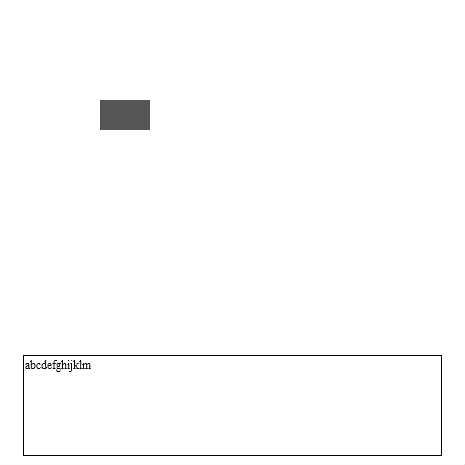
テキストを1文字ずつ表示
 * とりあえず何か書いてみたかったので、練習がてら
* テキストを1文字ずつ表示するものを作ってみました。
♥0 |
Line 75 |
Modified 2010-05-30 10:48:41 |
MIT License
archived:2017-03-09 17:29:35
ActionScript3 source code
/**
 * Copyright nokokazu ( http://wonderfl.net/user/nokokazu )
 * MIT License ( http://www.opensource.org/licenses/mit-license.php )
 * Downloaded from: http://wonderfl.net/c/nQHP
 */

/**
 * とりあえず何か書いてみたかったので、練習がてら
 * テキストを1文字ずつ表示するものを作ってみました。
 */
package {
    import flash.display.Sprite;
    import flash.text.TextField;
    import flash.display.Stage;
    import flash.trace.Trace;
    import flash.utils.Timer;
    import flash.events.TimerEvent;
    import flash.events.Event;
    import flash.display.SimpleButton;
    public class FlashTest extends Sprite {

    		private static var MarginBottom:int = 10;
    		private static var MarginRight:int = 10;
    		private var _textBox:TextField;
    		private var _message:String;
		private var _interval:int;
		private var _counter:int;

        public function FlashTest() {
        		/** テキストボックスの初期化 */
			initializeTextBox();
			initializeButton();
			// 文字表示フレーム間隔
			_interval = 5;
			dispStringByOneString("abcdefghijklmnopqrstuvwxyz");
        }

        /** テキストボックスの初期化 */
        private function initializeTextBox():void{
			_textBox = new TextField();
            _textBox.text = "test";
            _textBox.width = stage.stageWidth * 0.9;
            _textBox.x = (stage.stageWidth - _textBox.width) / 2.0;
            _textBox.y = (stage.stageHeight - _textBox.height - MarginBottom);
            _textBox.border = true;
            _textBox.wordWrap = true;
            addChild(_textBox);
        }
        private function initializeButton():void{
			var nextButton:Button = new Button(100,100,50,30);
			addChild(nextButton);
        }

        /** 文字を一文字ずつ表示する */
        public function dispStringByOneString(msg:String):void{
        		// 文字を初期化
        		_textBox.text = "";
        		_message = msg;
			addEventListener(Event.ENTER_FRAME,ef);
       }

       /**
       	*	カウンターが一定値を超えたら次の文字を出力
	    	*	文字を全て出力し終わったら終了
	    	*/
       private function ef(event:Event):void{
			_counter++;
			if(_counter > _interval){
				_textBox.text = _message.slice(0,_textBox.text.length+1)
				_counter = 0;
				// 文字を全て出力
				if(_textBox.text == _message){
					removeEventListener(Event.ENTER_FRAME, ef);
				}
			}
       }
    }
}


import flash.display.SimpleButton;
import flash.display.Shape;
class Button extends SimpleButton
{

	public function Button(posx:Number, posy:Number, width:Number = 100, height:Number = 40)
	{

		var upView:Shape = new Shape();
		upState = upView;
		upView.graphics.beginFill(0x555555);
		upView.graphics.drawRect(posx,posy,width,height);

		var overView:Shape = new Shape();
		overView.graphics.beginFill(0xff0000);
		overView.graphics.drawRect(posx,posy,width,height);

		var downView:Shape = new Shape();
		downView.graphics.beginFill(0xff9999);
		downView.graphics.drawRect(posx,posy,width,height);

		downState = downView;
		overState = overView;
		hitTestState = upView;
		useHandCursor = true;
	}
}