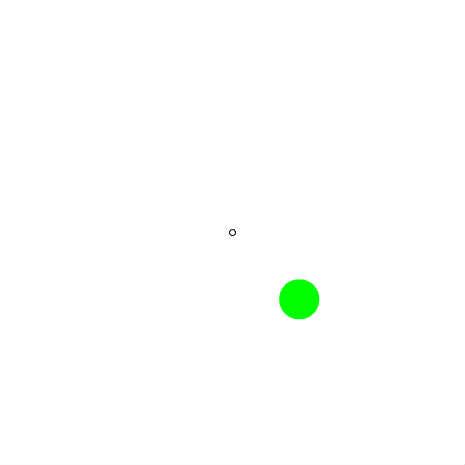
バネ運動基礎2 2軸+マウス
x,yの各方向にバネ運動
摩擦もあるでよ

という条件で、バネ運動の中心点をマウス位置に設定してみた。
♥0 |
Line 51 |
Modified 2011-05-13 00:55:31 |
MIT License
archived:2017-03-20 13:49:51
ActionScript3 source code
/**
 * Copyright Nowloading_ ( http://wonderfl.net/user/Nowloading_ )
 * MIT License ( http://www.opensource.org/licenses/mit-license.php )
 * Downloaded from: http://wonderfl.net/c/8IPb
 */

package {
    import flash.display.Sprite;
    import flash.events.Event;
    public class FlashTest extends Sprite {
        private var ball:Ball;
        private var vx:Number = 0;
        private var vy:Number = 0;
        private var spring:Number = 0.02;
        //摩擦ありの場合
        private var friction:Number = 0.98;

        public function FlashTest() {
            init();
        }
        public function init():void{
            graphics.lineStyle(1,0x000000);
            graphics.drawCircle(stage.stageWidth/2,stage.stageHeight/2,3);

            ball = new Ball(20,0x00ff00);
            ball.x=40;
            ball.y=40;
            addChild(ball);
            addEventListener(Event.ENTER_FRAME,oEF);
        }
        private function oEF(e:Event):void{
            var ax:Number=(mouseX - ball.x)*spring;
            vx += ax;
            vx *= friction;
            ball.x += vx;
            var ay:Number=(mouseY - ball.y)*spring;
            vy += ay;
            vy *= friction;
            ball.y += vy;
        }
    }
}

    import flash.display.Sprite;
    class Ball extends Sprite{
        public var radius:Number;
        public var color:uint;
        public var vx:Number =0;
        public var vy:Number =0;

        public function Ball(radius:Number = 40,color:uint = 0xff0000){
            this.radius = radius;
            this.color = color;
            init();
        }
        public function init():void{
            graphics.beginFill(color);
            graphics.drawCircle(0,0,radius);
            graphics.endFill();
        }
    }