스크롤
http://help.adobe.com/ko_KR/as3/dev/WS5b3ccc516d4fbf351e63e3d118a9b90204-7e17.html
♥0 |
Line 46 |
Modified 2011-07-17 21:22:31 |
MIT License
archived:2017-03-20 02:12:50
ActionScript3 source code
/**
 * Copyright SkywaveTM ( http://wonderfl.net/user/SkywaveTM )
 * MIT License ( http://www.opensource.org/licenses/mit-license.php )
 * Downloaded from: http://wonderfl.net/c/5fHF
 */

/*

 scrollRect에 왜 바로 접근하지 못하고 저렇게 새로 만들고 보내줘야 하는지 이해가 안감...

*/


package {
    import flash.display.Sprite;
    public class FlashTest extends Sprite {
        public function FlashTest() {
            import flash.events.MouseEvent;
            import flash.geom.Rectangle;
            import flash.text.TextField;
            import flash.display.Graphics;
            import flash.display.Shape;

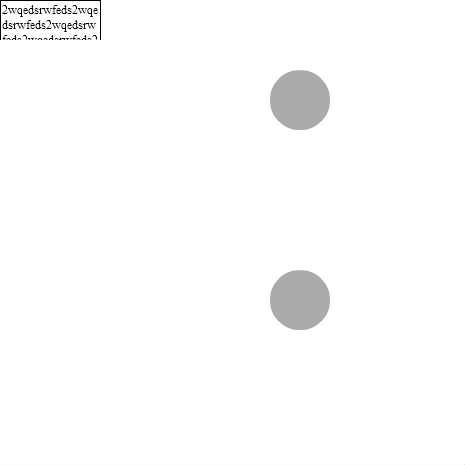
            var bigText:TextField = new TextField();
            bigText.text = "2wqedsrwfeds2wqedsrwfeds2wqedsrwfeds2wqedsrwfeds2wqedsrwfeds2wqedsrwfeds2wqedsrwfeds2wqedsrwfeds2wqedsrwfeds2wqedsrwfeds"
            bigText.border = true;
            bigText.wordWrap = true;
            this.addChild(bigText);

            var upg:Shape = new Shape();
            var downg:Shape = new Shape();
            var up:Sprite = new Sprite();
            var down:Sprite = new Sprite();

            up.buttonMode = true;
            down.buttonMode = true;


            upg.graphics.beginFill(0xAAAAAA);
            downg.graphics.beginFill(0xAAAAAA);
            upg.graphics.drawCircle(300, 100, 30);
            downg.graphics.drawCircle(300, 300, 30);

            up.addChild(upg);
            down.addChild(downg);

            this.addChild(up);
            this.addChild(down);


 //------------------------------------------------------------//
            // Define the initial viewable area of the TextField instance:
            // left: 0, top: 0, width: TextField's width, height: 350 pixels.
            bigText.scrollRect = new Rectangle(0, 0, bigText.width+1, 40);

           // called when the "up" button is clicked
            function scrollUp(event:MouseEvent):void
            {
                // Get access to the current scroll rectangle.
                var rect:Rectangle = bigText.scrollRect;
                // Decrease the y value of the rectangle by 20, effectively
                // shifting the rectangle down by 20 pixels.
                rect.y -= 20;
                // Reassign the rectangle to the TextField to "apply" the change.
                bigText.scrollRect = rect;
            }

            // called when the "down" button is clicked
            function scrollDown(event:MouseEvent):void
            {
                // Get access to the current scroll rectangle.
                var rect:Rectangle = bigText.scrollRect;
                // Increase the y value of the rectangle by 20, effectively
                // shifting the rectangle up by 20 pixels.
                rect.y += 20;
                // Reassign the rectangle to the TextField to "apply" the change.
                bigText.scrollRect = rect;
            }

            up.addEventListener(MouseEvent.CLICK, scrollUp);
            down.addEventListener(MouseEvent.CLICK, scrollDown);

        }
    }
}