forked from: Arduino/Analog/Fading: physical x wonderfl way
forked from Arduino/Analog/Fading: physical x wonderfl way (diff: 3)
An "Analog/Fading" example in physical x wonderfl way
Output:
* A LED connected the D11 pin
How to:
http://funnel.cc/Main/GettingStarted
Reference:
http://arduino.cc/en/Tutorial/Fading
http://funnel.cc/Software/ActionScript3
http://funnel.cc/reference/actionscript3/
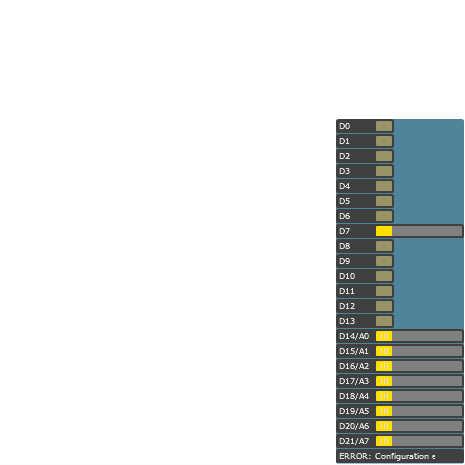

ActionScript3 source code
/**
 * Copyright Wasp ( http://wonderfl.net/user/Wasp )
 * MIT License ( http://www.opensource.org/licenses/mit-license.php )
 * Downloaded from: http://wonderfl.net/c/1rnK
 */

// forked from kotobuki's Arduino/Analog/Fading: physical x wonderfl way
// forked from kotobuki's Hello World! with Arduino: physical x wonderfl way
// An "Analog/Fading" example in physical x wonderfl way
//
// Output:
// * A LED connected the D11 pin
//
// How to:
// http://funnel.cc/Main/GettingStarted
//
// Reference:
// http://arduino.cc/en/Tutorial/Fading
// http://funnel.cc/Software/ActionScript3
// http://funnel.cc/reference/actionscript3/

package {
    import flash.display.Sprite;
    import funnel.*;
    import funnel.gui.*;
    import funnel.ui.*;

    public class FlashTest extends Sprite {
        private var arduino:Arduino;

        public function FlashTest() {
            var config:Configuration = Arduino.FIRMATA;
            config.setDigitalPinMode(7, PWM);
            arduino = new Arduino(config);

            // If you want to create a GUI to let users try
            // without hardware, set a GUI as follows
            var gui:ArduinoGUI = new ArduinoGUI();
            addChild(gui);
            arduino.gui = gui;

            var led:LED = new LED(arduino.digitalPin(13));

            // The intercal (in ms), times (0 means infinite)
            // and the waveform.
            // Try Osc.SAW, Osc.TRIANGLE or Osc.SQUARE
            led.blink(1000, 0, Osc.SIN);
        }
    }
}